Mode 1
Print layout: one cutter, repeated
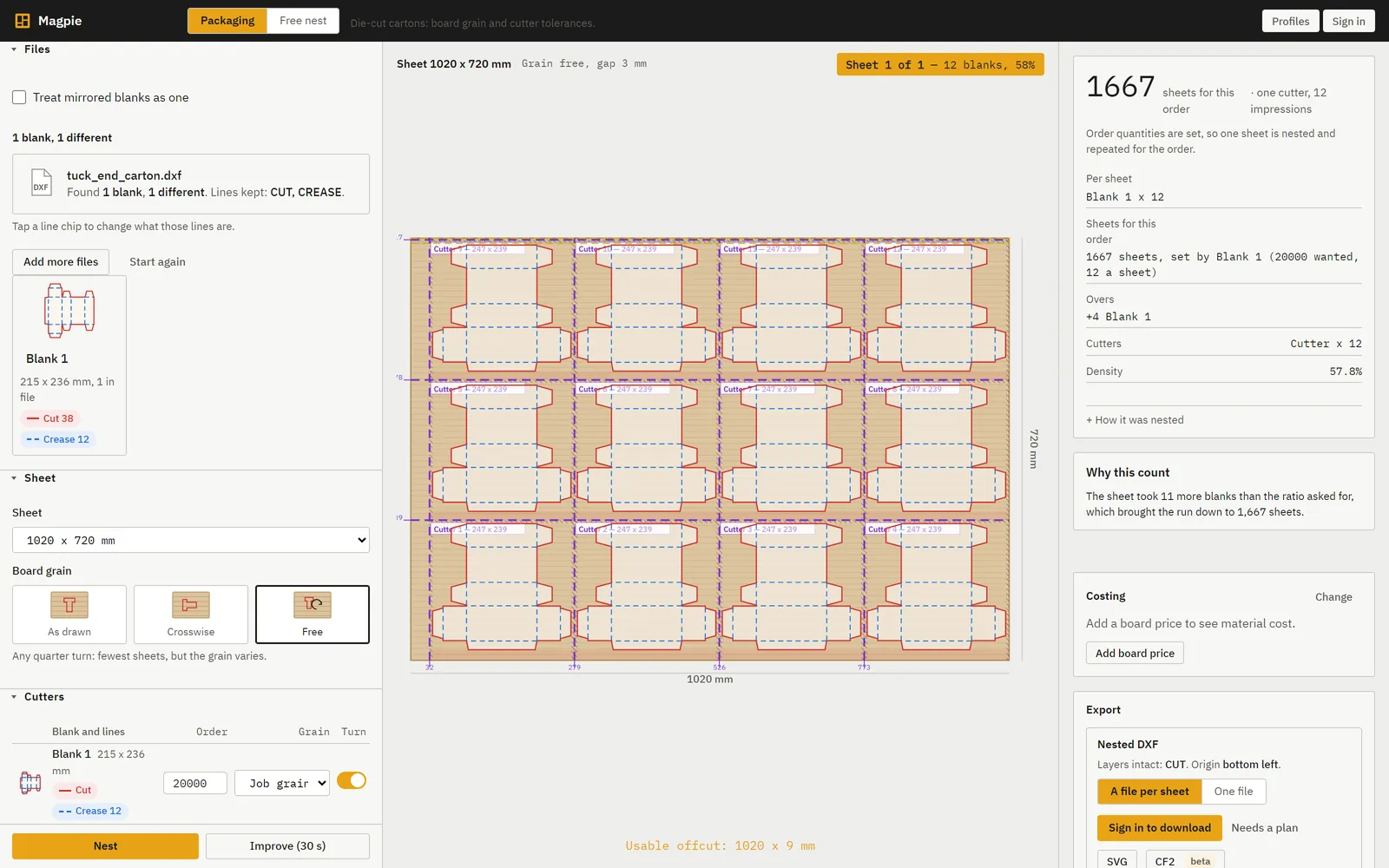
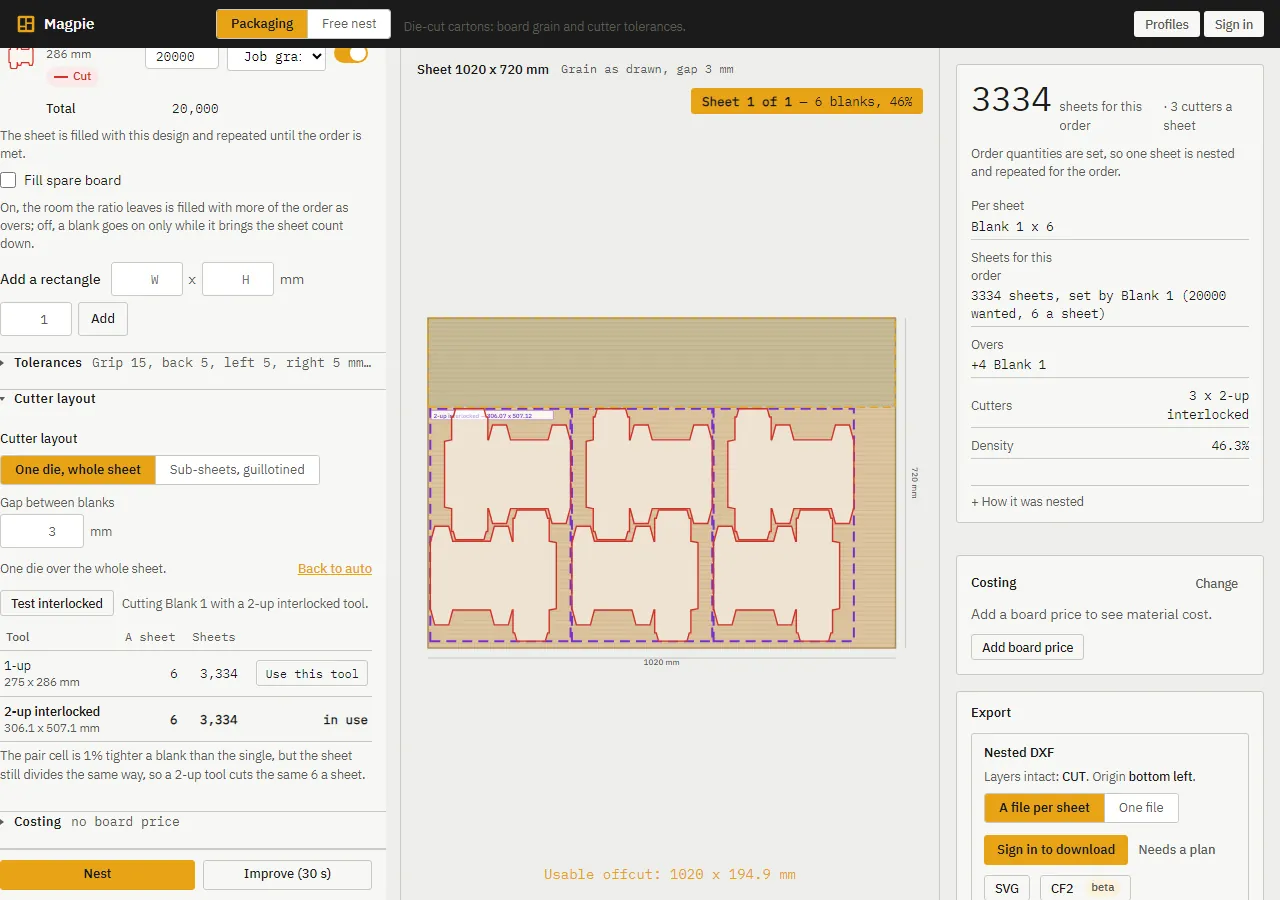
One blank, one cutter. Magpie tiles the sheet with pieces the size of that cutter: the blank plus its tolerances, rounded up to the millimetre, laid from the grip edge and the lay edge with the remainder left as offcut strips at the far edges. Every piece is one impression of the same die.
- Straight guillotine cuts right across the sheet, each dimensioned from the grip edge or the left edge, as the operator sets them.
- Grip and lay rules: the print grip is kept clear on the front edge, each piece keeps the cutter tolerances, and pieces register off the lay edge.
- Cuts are exported on a GUILLOTINE layer in the DXF and printed in the PDF report.
- Drag a cut, or add one across or up, and Magpie renests the pieces around it.
- An old layout drawing can be uploaded as it is: Magpie finds the blank inside it and takes one impression, so the carton can be run again on any sheet.
How print layouts work: grip, lays, guillotine and one die times N, with a worked example.